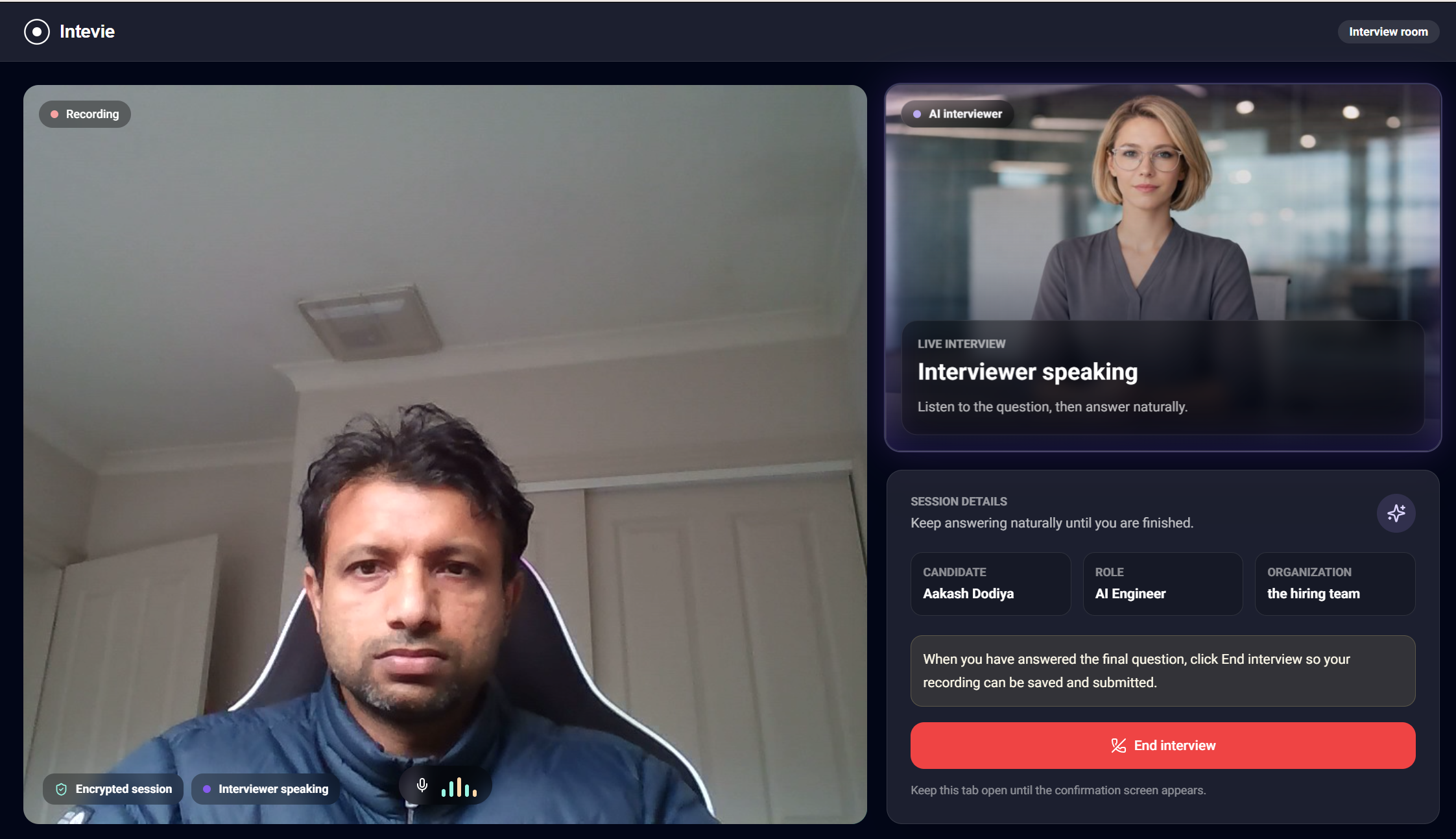
We help lean hiring teams screen first-round candidates with structured AI voice interviews so they can shortlist faster without paying for seats, signing a contract, or entering a card upfront.
$200 usage credit for new workspaces
No card required. Use credits for interviews, resume scoring, and document signing. Exact usage rates are shown in your billing portal.
Use the free credit to run real hiring workflows, review transcripts and summaries, and only recharge when your team is ready to keep going. Credits cover interviews plus selected AI hiring actions, while ATS Sync stays a separate add-on when you want job, candidate, and result flow connected to the tools you already use.
Launch offer
Usage Credits
$200 free credit
Run real first-round screening before committing to a paid plan.
Includes interviews, resume scoring, and document signing.
No. New verified workspaces start with $200 in non-cash Intevie usage credits, so your team can run real first-round screens before adding a payment method.
What happens when credits reach zero?
Billable interview actions pause. Existing job automation settings are preserved, but effective invites move to manual until the workspace recharges.
How do usage credits work?
Credits are shared across interviews, resume scoring, and document signing. Exact usage rates are shown in your billing portal.
Does ATS Sync include interview minutes?
No. ATS Sync is a monthly add-on for integration workflow. Interview minutes still come from prepaid usage credits.
What happens if my ATS subscription is canceled?
New ATS sync actions pause, but your usage-credit balance is unaffected. Existing integration history and candidate records remain available in Intevie.
Do promo credits expire?
Yes. The $200 launch credit expires after 90 days and has no cash or refund value.
Calculate the phone-screen hours you can get back
Move the slider to match your weekly applicant-screening load.
How much time can you save?
Screening interviews each week
Volume
20
20
0100
Your estimate
260 hours saved
About 33 full work days each year
payments
$22k saved
Cost saved each year
How we calculatev
Hours saved each year:
20 calls x 15 min/call = 5 hrs/week x 52 weeks = 260 hrs/year
Cost saved each year:
260 hrs x $85/hr (average team cost) = $22,100/year
Platform features
Pricing-friendly platform features for teams that want room to grow.
Start with usage credits, then use the broader Intevie workflow when your team needs ATS sync, review evidence, documents, onboarding tasks, and team controls.
ATS sync (Beta)
Move shortlisted candidates and status updates into your ATS when you are ready.
SSO (Beta)
Support company sign-in with domain-aware SSO for portal access, team management, and connected assistant tools.
Custom hiring workflow
Fit stages, score guides, and next steps to the way your team already hires.
Candidate-first screening
Designed to keep candidate experience in mind with a clear, mobile-friendly initial screen that avoids recruiter-call delays.
Employee and hiring view
Keep employee records and agency hire views close to the roles, candidates, and handoffs your team manages.
Onboarding (coming soon)
Prepare onboarding documents and task checklists for organizations after a candidate is ready to join.
Document flow
Send offer documents for review and signing while keeping the hiring context attached.
Audit log
Keep transcripts, notes, recordings, and shortlist evidence in one review path.
ChatGPT app and Claude MCP connector
Ask candidate and workflow questions from the tools your team already uses.
Team management
Set roles, handoffs, and shared access across recruiters, hiring managers, and admins.
Candidate feedbacks
Collect structured feedback so decisions stay visible instead of buried in threads.
Candidate sourcing
Bring sourced candidates into the same screening flow without creating extra admin.
Matched candidate pool
Source candidates from your already screened pool as roles open, so strong past applicants are easier to reuse.
Interview quality dashboard
Track completion, quality, and review patterns before they slow hiring down.
Usage-based pricing
Start small and pay for real hiring volume instead of committing to heavy seat costs.
Company and team profiles
Keep role, company, and reviewer context attached to every interview and shortlist.
Features stay available as your hiring process grows, without forcing a large plan decision before your first screens.