
 Intevie + ChatGPT
Ask ChatGPT about the hiring work sitting inside Intevie.
We help recruiting teams bring jobs, candidates, invitations, interview insights, hiring stages, approvals, and team invites into ChatGPT so they can move work forward without copying portal data into a chat.
Intevie respects workspace permissions, so ChatGPT can only work with the hiring context your signed-in Intevie account is allowed to access.
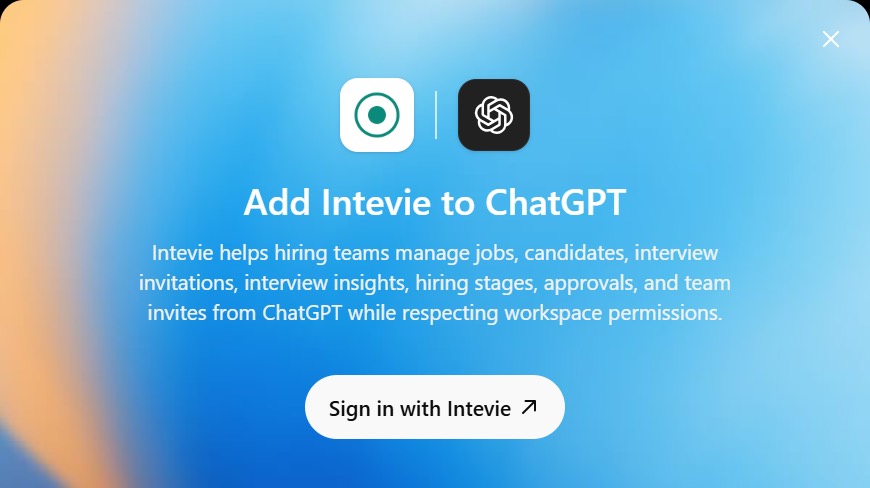
For teams already asking ChatGPT
Recruiters and founders can ask direct operational questions without exporting jobs or pasting candidate details.
Built around live hiring context
The app exposes Intevie workflows such as jobs, candidates, invitations, stages, approvals, and team invites.
Permission-aware by default
Intevie authentication keeps each ChatGPT session aligned to the workspace access granted to that user.
Add Intevie to ChatGPT
Connect once, then ask naturally.
Use the published ChatGPT app when you want ChatGPT to answer hiring questions from your Intevie workspace instead of from pasted screenshots or stale spreadsheets.
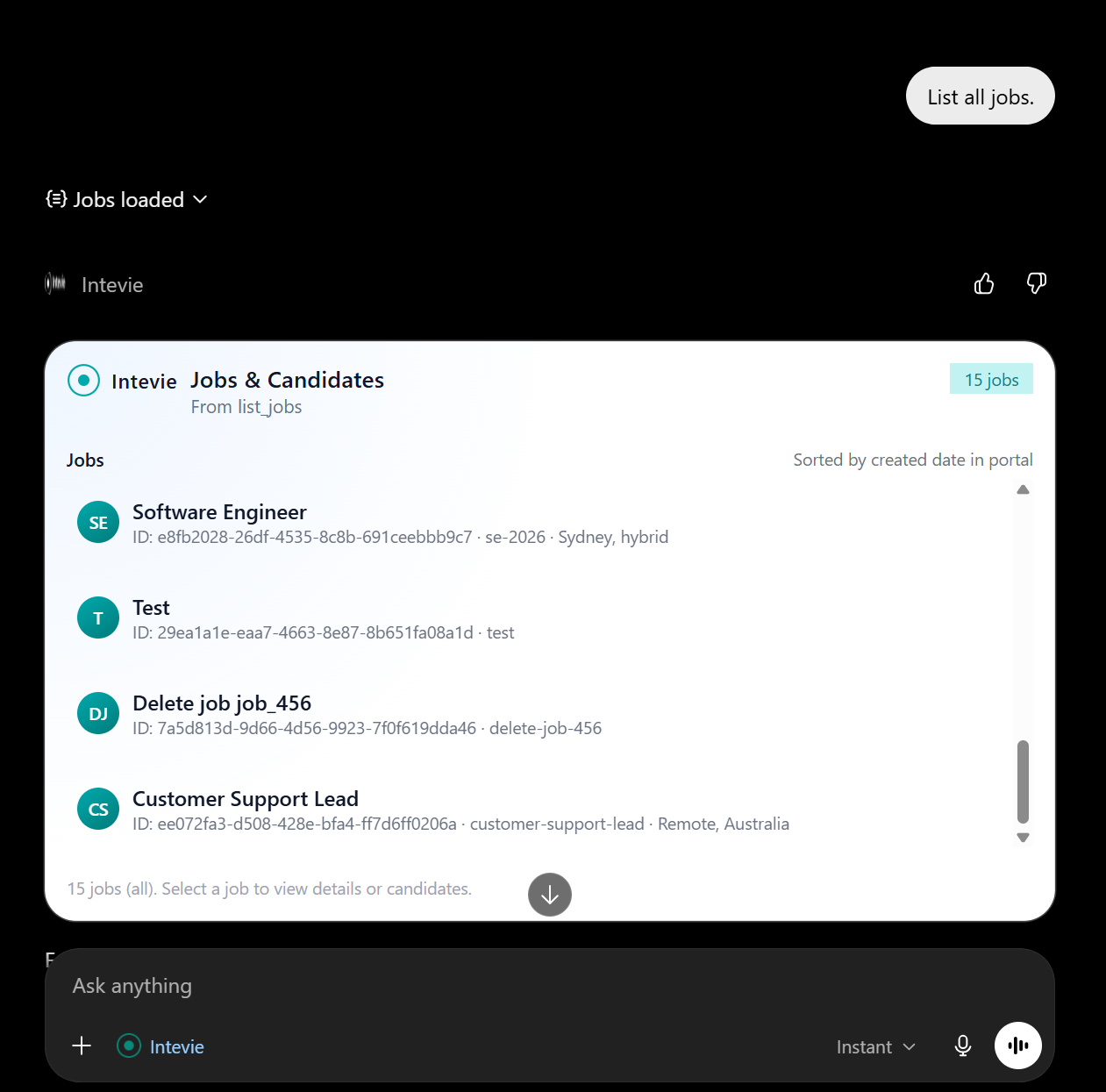
Find Intevie in ChatGPT
Open ChatGPT, search for the Intevie app, and start the add flow from the app card or from a conversation that asks for Intevie hiring data.
Sign in with Intevie
Authenticate with the Intevie workspace account you want ChatGPT to use. The app inherits that user's available jobs, candidates, and team permissions.
Ask about hiring work
Use plain language prompts such as "List all jobs," "Show candidates for the support role," or "Which invitations still need follow-up?"
Review actions before moving work forward
Keep sensitive hiring steps intentional. Ask ChatGPT to summarize, compare, or prepare work, then confirm anything that changes team or candidate records.
Permission-aware by design
ChatGPT gets context, not blanket access.
The Intevie app is useful because it meets recruiters where they already think, but it should still behave like a hiring system: scoped access, visible tool use, and human review before sensitive changes.
Workspace sign-in
The app starts with Intevie authentication so ChatGPT is not working from anonymous or pasted hiring data.
Role-aware results
Users should only see jobs, candidates, and team workflows that their Intevie account can access.
Human hiring judgment
ChatGPT can organize and explain context, but recruiters and hiring managers still decide who moves forward.
Questions buyers ask
What to know before connecting
What can I ask the Intevie ChatGPT app?
Start with operational prompts: list jobs, find candidates for a role, summarize invitation status, inspect interview insights, or prepare a shortlist for review.
Does this replace the Intevie portal?
No. The portal remains the system of record. The ChatGPT app is an assistant layer for questions, summaries, and workflow preparation.
Should teams paste candidate data into ChatGPT instead?
No. Connecting the app is cleaner because the assistant can call permission-aware tools instead of relying on copied candidate details that become stale or over-shared.